


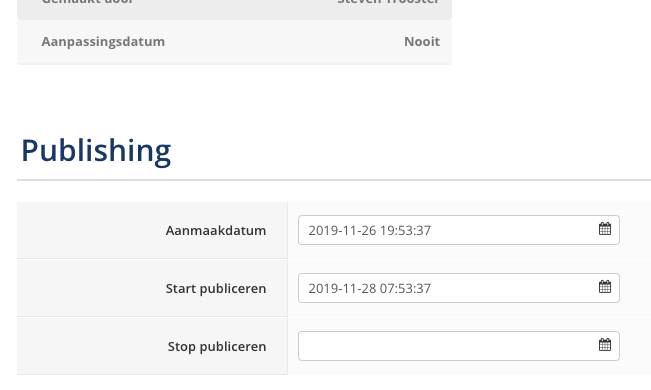
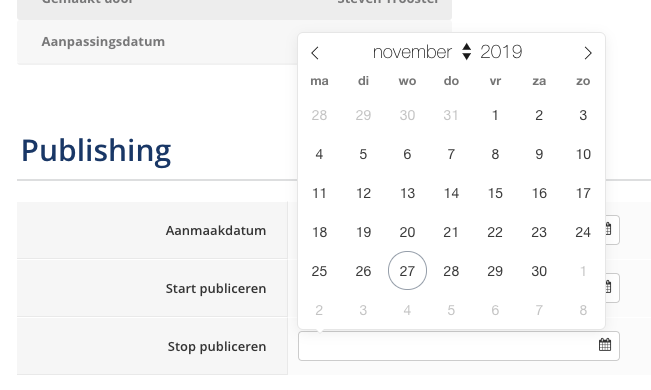
There's an annoyance with the Start publish / End publish fields with an article. If I click in the date field, a calendar pops up and automatically the current date and time is set in the date field. The only way to change te date & time is by using the calendar, which in itself is not handy when you want to change the time (it takes a lot of clicks, compared to keyboard input).
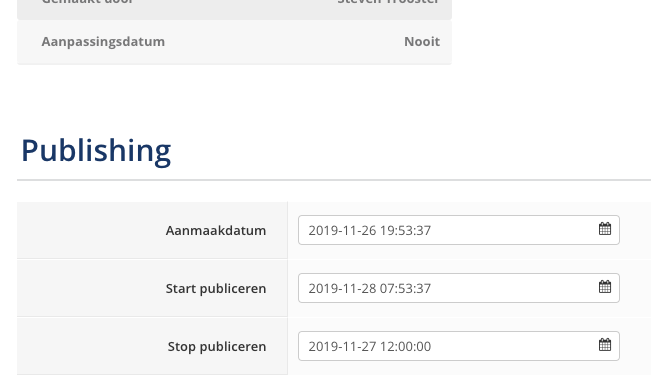
But more annoying is that once a date is set in one of the date fields, you can't delete the date. If you accidentally click in the Stop publishing field, the current date / time is added. If you empty the field and click somewhere else, the last date entered or the current date is set as the date of the field.
When you actually want the article to stay published forever (no end date), there's no other way to correct this other than by canceling all the edits of the article and start over again.
Edited 6 years 11 months ago by Steven Trooster
