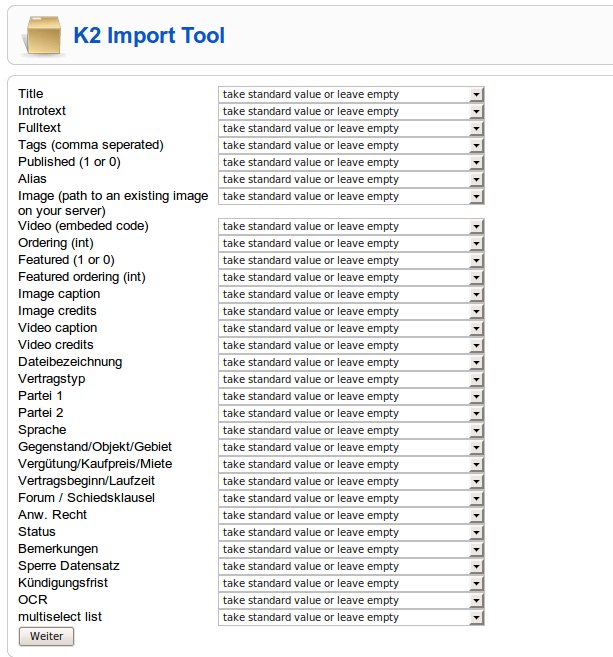
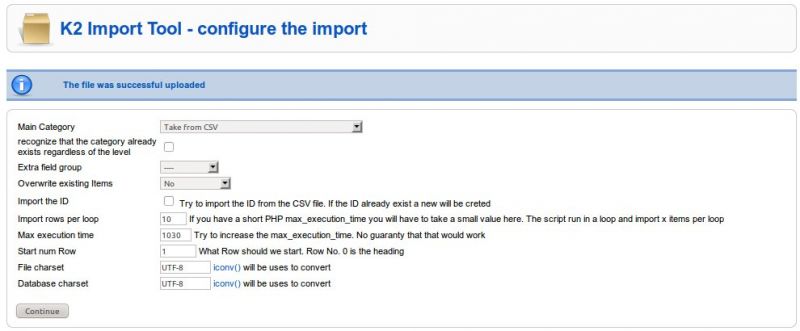
I wrote a small tool to import K2 content from a CSV file and to export K2 data to a CSV file.
www.individual-it.net/en/Joomla/
Its possible to import all fields including "extra fields", userids, images, tags, galleries, categories and attachments.
The file must have a heading row. Text delimiter: ' " ' field separator: ','
For "Multiple Select" Fields use also "," to separate the options e.g.: "option 1, option 3"
To have a example-file to first an export and check the documentation .
Here is user manual
If you like it please vote for it or write a review
If you have problems:
To stay up do date and informed follow me on twitter and have a look at this topic.
www.individual-it.net/en/Joomla/
Its possible to import all fields including "extra fields", userids, images, tags, galleries, categories and attachments.
The file must have a heading row. Text delimiter: ' " ' field separator: ','
For "Multiple Select" Fields use also "," to separate the options e.g.: "option 1, option 3"
To have a example-file to first an export and check the documentation .
Here is user manual
If you like it please vote for it or write a review
If you have problems:
- check the old thread in the forum
- check if you use the most actual version
- check the minimum requirements
- post here if you still have a problem - and report:
- the joomla version
- the OS version
- the K2 version
- the K2 Import / Export tool version
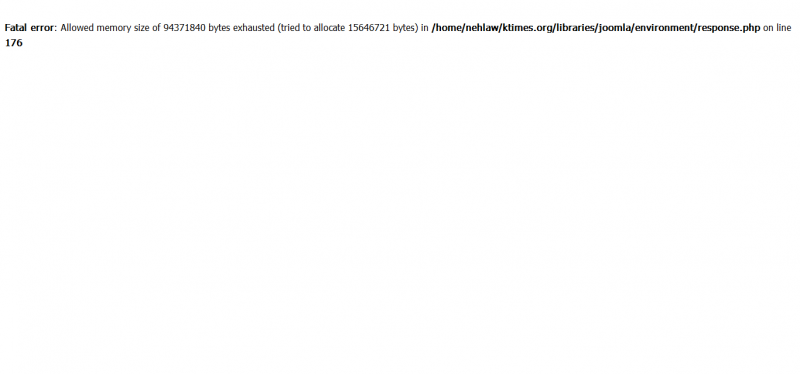
- the exact problem ("It doesn't work" - doesn't help anybody)
To stay up do date and informed follow me on twitter and have a look at this topic.